
Updated for 2026
Evaluating a New Student Information System
Before you evaluate SIS vendors, you have to evaluate alignment.
Your SIS Selection Checklist Starts Here
When your institution needs a new technology platform to power operations, it is a team decision. Whether you are evaluating an integrated, all-in-one student information system (SIS) or a best-of-breed ecosystem, every department will bring its requirements to the table.
The reason why most SIS projects fail to gain momentum is not because departments are resisting technology. They are resisting disruption, risk and another implementation that creates more work than it removes.
The goal is to select a partner and platform that supports the institution’s priorities, reduces manual work, improves the student experience and meets compliance expectations.
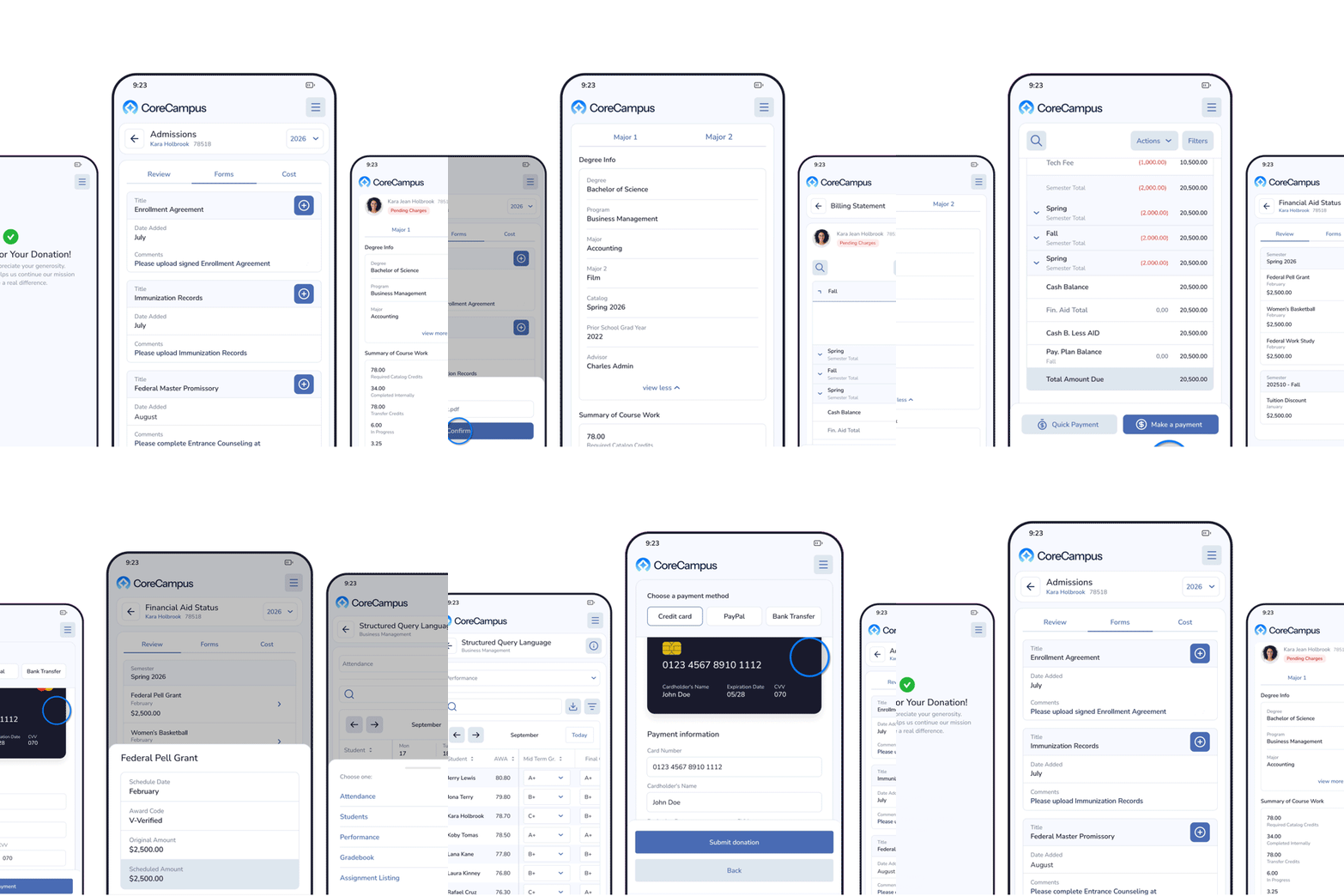
Make SIS Evaluation More Strategic
This guide is designed for higher-education administrators and IT professionals who are part of an SIS evaluation committee.
It includes a comparison framework, department-specific evaluation criteria, a decision-making checklist, institution-type guidance, and an FAQ that is easy to reuse internally.
Section 1
Executive Summary: How to Evaluate an SIS in 2026
A modern SIS is the operational backbone of your institution. It connects admissions, registration, academics, billing, financial aid, reporting and student support while integrating with systems like your LMS, CRM, identity provider and finance tools.
In 2026, SIS evaluations tend to succeed when teams do three things early:

Define the success metrics you need to move in six to 12 months (retention, registration speed, reporting accuracy, reduced tickets, reduced manual reconciliation).

Use the same demo scenarios and scoring rubric for every vendor.

Data migration, change management and support models matter as much as product capability.
If you get one takeaway from this guide, let it be this:
An SIS is not just software. It is a long-term operational partnership.
Section 2
Integrated Suite Vs. Best-of-Breed: How to Decide
Most institutions land in one of two approaches:

Integrated SIS Suite
An integrated SIS typically offers core student records plus modules for functions like billing, financial aid workflows, advising tools, analytics and portals.
Often a good fit when:
You want a single system of record with fewer handoffs
You have limited IT bandwidth to manage many integrations
You need consistent reporting across departments
You want shared workflows and shared security governance
Risks to watch:
Module depth varies by vendor, especially for niche programs
You still need integrations for key tools (LMS, CRM, payments, identity)

Best-of-Breed Ecosystem
This approach uses an SIS for core records plus specialized tools for functions like advising, analytics, recruiting, payments or degree planning.
Often a good fit when:
You already have strong tools you are committed to keeping
Your institution has integration expertise and clear data ownership
You prefer deep specialization in each functional area
Risks to watch:
Integration burden shifts to IT
Reporting and governance can get harder if data is fragmented
Vendors may point to each other when issues arise
Decision Tip
If you go best-of-breed, treat your integration strategy as a first-class requirement.
Ask vendors how they support APIs, monitoring, error handling and data synchronization.
Section 3
The 2026 SIS Scorecard
The best SIS is not necessarily the one with the longest feature list.
It’s the one that best supports your institution’s students, staff, compliance requirements and long-term goals. A weighted scorecard helps your team make that decision with more clarity, consistency, and confidence.
Keep in mind: No two institutions will weigh these categories the same way. A community college focused on enrollment growth may place more emphasis on admissions, student experience and reporting.
A school replacing a legacy system may prioritize implementation support, integrations and total cost of ownership. The goal is not to create a universal ranking, it’s to create a decision framework that reflects your institution’s needs.
SIS Vendor Evaluation Scorecard
Download the SIS Vendor Evaluation Scorecard* to compare platforms side by side and align your selection process around the priorities that matter most to your institution.
*Use this scorecard to help your team evaluate vendors consistently. Adjust weights based on your institution’s priorities.
Tip for Vendor Demos
Use the same five to eight demo scenarios for every vendor.
If a vendor cannot demonstrate a scenario live, treat it as a risk, even if it is “on the roadmap.”
Section 4
Department-by-Department SIS Evaluation Criteria
Your evaluation should reflect how work actually happens across campus. Below are the priorities, demo requirements
and common red flags by stakeholder group.
CIOs, IT Leaders and System Administrators
Priorities:
- Integration strategy, API maturity and data flow reliability
- Security posture, access controls, audit logs and incident response
- Scalability and performance during peak periods
- Automation that reduces tickets and manual work
What to require in demos:
Show SSO and role-based access for at least three roles
Show integration patterns and failure handling (alerts, retries, logs)
Show report creation without technical intervention
Show how updates are deployed and communicated
Common red flags:
Core integrations require custom work with unclear maintenance plans
Reporting depends on vendor services or specialized developers
Limited visibility into changes, logs, or administrative controls
CFOs, Controllers, Bursars and Finance Leaders
Priorities:
- Total cost of ownership and predictable budgeting
- Automated billing, payments and disbursements
- Reconciliation and audit readiness
- Real-time visibility into cash flow and student accounts
What to require in demos:
Show billing workflows end to end, including adjustments and holds
Show reconciliation and reporting outputs finance needs
Show integrations with accounting tools or exports your team uses
Common red flags:
Heavy manual steps for adjustments, refunds and reconciliations
Reporting that requires “backdoor” data work to be accurate
Financial Aid Leaders
Priorities:
- Compliance readiness and audit trails
- Accuracy and efficiency during peak cycles
- Integrated data across enrollment, academics and finance
- Automated communications and document workflows
What to require in demos:
Show how enrollment status changes flow into required reporting
Show packaging, disbursement tracking and reconciliation workflows
Show how the system reduces manual data entry and rework
Common red flags:
Compliance reporting is not demonstrable with real scenarios
Staff must maintain parallel spreadsheets to fill gaps
Academic, Registrar and Student-Focused Support Roles
Priorities:
- Student lifecycle management from onboarding through completion
- Registration experience and self-service tools
- Degree planning, advising visibility and progress tracking
- Mobile-friendly access for students and staff
What to require in demos:
Show registration, add/drop and transcript workflows
Show advising alerts and intervention workflows
Show student self-service and how it reduces support requests
Common red flags:
Complex navigation and inconsistent workflows across modules
Limited student self-service or poor mobile experience
Institutional Leaders and Decision-Makers
Priorities:
- ROI, adoption and measurable operational improvement
- Alignment with institutional goals and growth plans
- Reduced administrative burden across departments
- Reliable analytics for planning and accountability
What to require in demos:
Show leadership dashboards and drill-down to source data
Show how the vendor supports change management and adoption
Show scalability for growth (new programs, campuses, modalities)
Common red flags:
Vague implementation commitments and unclear ownership
Success measured by “go-live” rather than adoption and outcomes
Section 5
SIS Evaluation Checklist for Higher-Ed Institutions
Use this checklist to keep your evaluation organized and consistent across vendors.
Print it for internal working sessions and vendor meetings.
Align on the problem statement and the outcomes you need to improve in six to 12 months.
Identify stakeholders and decision owners across IT, finance, academics, financial aid, registrar and leadership.
Document current systems, integrations, data owners and key pain points.
Define your nonnegotiables (security, compliance, reporting, student self-service, integrations).
Write five to eight demo scenarios that match real workflows, then require every vendor to run the same scenarios.
Build a weighted scorecard and score vendors consistently.
Validate vendor claims with reference calls from similar institutions.
Confirm implementation plan, timeline and internal staffing needs.
Confirm training approach, support model and escalation path.
Review contract terms, data ownership and exit plan.
Section 6
How Different Institution Types Should Evaluate a Higher-Ed SIS in 2026
You can use the checklist above with any institution.
Next, pressure-test your shortlist using the criteria below based on your student population, compliance needs and operational complexity.
Community Colleges
Community colleges tend to be high volume with diverse programs and student pathways, plus substantial integration requirements. Your SIS should handle scale and interoperability without shifting the burden onto IT.
What to weigh more heavily:
- Performance and reliability during peak demand (registration, add/drop, grading)
- Integration depth and interoperability (SSO, LMS, advising, degree planning, payments, analytics, state reporting)
- Student self-service and accessibility (mobile-friendly, ADA considerations)
- Support for multiple student types and pathways (dual enrollment, workforce, continuing ed, transfer, stackable credentials)
What to require in demos:
Show peak readiness, including uptime history, incident response and load-testing approach
Show multi-population support without duplicate records or manual workarounds
Show real integration examples, including API documentation, data exchange patterns and monitoring
Common pitfalls:
Underestimating integration complexity and internal staffing needs
One-size-fits-all workflows that do not fit multiple student populations
Career and Trade Schools
Career and trade schools often operate on frequent starts, accelerated schedules and outcomes-focused reporting. The right SIS should reduce administrative drag while supporting compliance and placement workflows.
What to weigh more heavily:
- Frequent start dates, cohort scheduling and nontraditional calendars
- Financial aid and compliance reporting readiness, including clear audit trails
- Placement and outcomes tracking (completion, credential milestones, licensure, employment outcomes)
- Speed and flexibility when programs change
What to require in demos:
Show lead-to-enrollment-to-start workflows, including document collection and status changes
Show LOA, withdrawal, and re-entry scenarios and how they affect reporting
Show outcomes reporting and who can run it without IT tickets
Common pitfalls:
Core compliance reporting positioned as custom work
Heavy manual work for status changes, documents or scheduling exceptions
Colleges & Universities
These institutions often need strong governance and controls without slowing down the student experience. Evaluation should focus on long-term sustainability, data stewardship and cross-department alignment.
What to weigh more heavily:
- Role-based permissions, approvals, and audit logs (who can change what, and when)
- Workflows that match your operating model (centralized vs. distributed)
- Integration clarity (identity, LMS, CRM, finance, payments), including ownership and support
- Reporting consistency leaders can validate (retention, progression, revenue, service utilization)
What to require in demos:
Show permissions in practice for registrar, advising, finance and leadership views
Show exception handling (overrides, appeals, policy exceptions) with traceability
Show dashboards plus the drill-down path to source records
Common pitfalls:
Limited controls around data changes and approvals
Dashboards that look polished but are hard to validate or audit
Section 7
FAQ: Evaluating a New Student Information System
Choosing a new student information system is a major decision, and it’s natural for institutional leaders to have questions about timing, cost, implementation, and long-term fit. Below are answers to some of the most common questions colleges ask when evaluating a new SIS.
What is a student information system (SIS)?
An SIS is a system of record for student and academic data. It typically supports admissions and enrollment workflows, registration, student records, finance/billing, financial aid coordination, reporting and student self-service.
How long does an SIS implementation take?
Implementation timelines vary based on migration complexity, integrations and readiness. A realistic plan should include discovery, configuration, migration, training, testing and post-launch support. Require vendors to define what they own and what your institution must provide.
What is total cost of ownership for an SIS?
Total cost of ownership includes licensing or subscription costs plus implementation services, migration work, integrations, training, support and ongoing administrative effort. Ask vendors what is included, what is optional and what drives future fees.
Should we choose an integrated SIS or a best-of-breed approach?
Choose an integrated SIS when you want fewer handoffs, unified workflows and simpler governance. Choose best-of-breed when you have strong existing tools, integration capability and clear data ownership. In both cases, require a documented integration and reporting strategy.
What integrations should we validate during an SIS evaluation?
Most institutions need reliable integrations with identity and SSO, LMS, CRM, finance and accounting tools, payments, data warehouses and analytics tools. Ask vendors which integrations are native, which are partner-supported and how failures are monitored and resolved.
What security documentation should we request from an SIS vendor?
Request a clear overview of the vendor’s security program, access controls, encryption practices, audit logging, incident response and what they can share under NDA. Make sure you can meet internal requirements for risk review.
What should we ask for in an SIS demo?
Ask vendors to run the same demo scenarios that reflect real workflows at your institution. Include cross-department scenarios, exceptions, reporting outputs and peak-period performance assumptions.
How do we reduce risk during data migration?
Start by defining data ownership and a migration plan with clear validation steps. Require test migrations, reconciliation reporting and a plan for cutover support. If migration work is shared, document exactly who owns each task.



